Small, useful tools for Second Life.
From the Greek agalma - a thing of delight, given freely.

Small, useful tools for Second Life.
From the Greek agalma - a thing of delight, given freely.
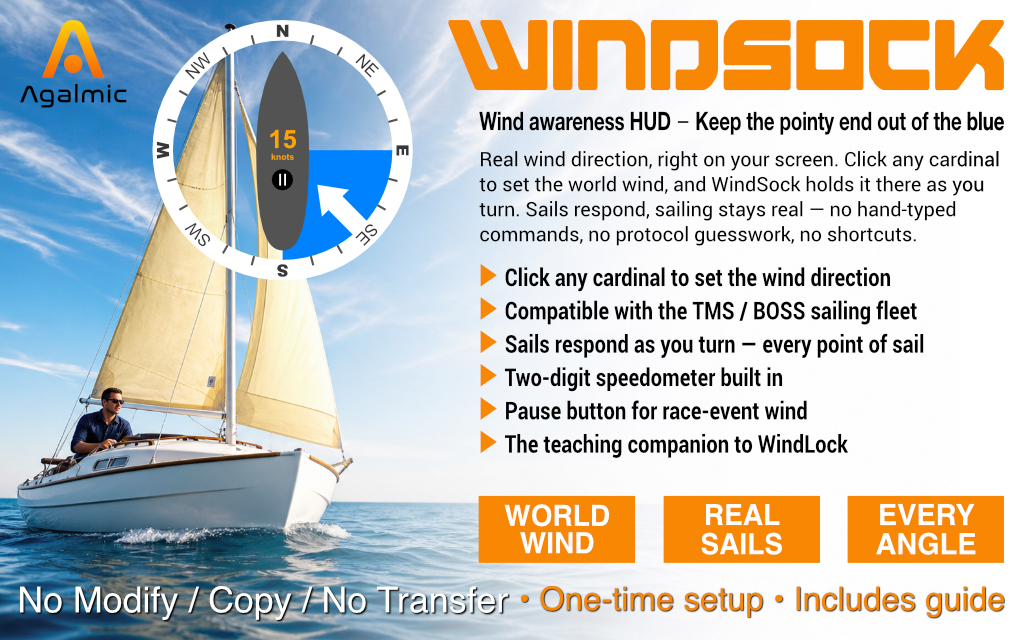
Keep the pointy end out of the blue.
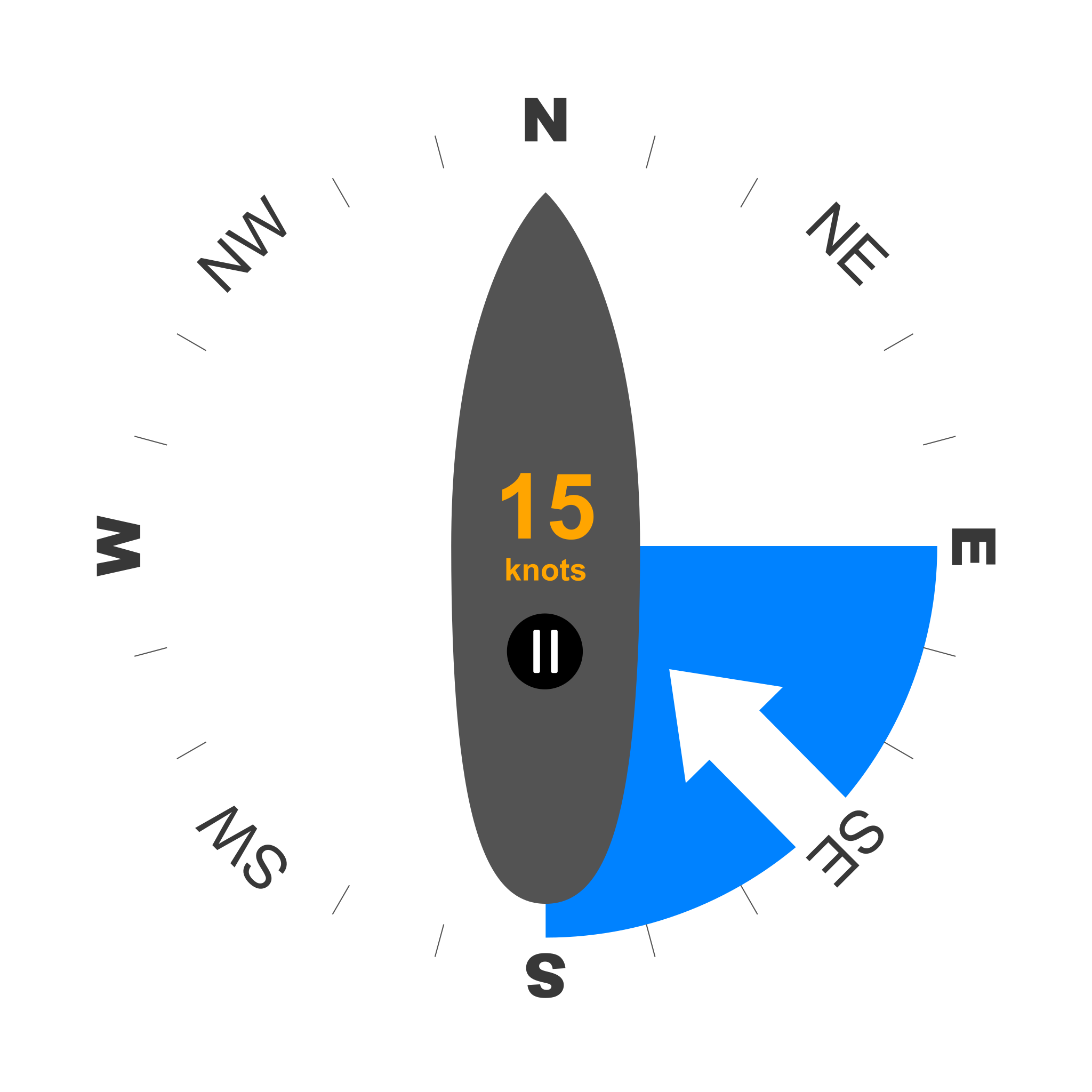
WindSock is a wind-awareness HUD - a teaching tool for sailors who want to feel the points of sail. Click any cardinal on the compass ring to set the wind direction. The blue wedge marks the no-go zone; the white arrow shows the wind source. As you turn, the compass rotates to keep its labels aligned with the real-world cardinals - and the wedge stays at the world wind position.
You see the relative wind angle change as you sail. That's the whole point. Tack into the no-go zone and the sails luff. Bear away to a beam reach and they fill. The HUD doesn't trim your sails for you; it tells you where the wind is, and you do the rest.
WindSock is the companion to WindLock. Same fleet, same protocols, opposite philosophy: WindLock locks the wind to your bow so sails stay full at every heading; WindSock leaves the wind in world coordinates so you learn to read it.
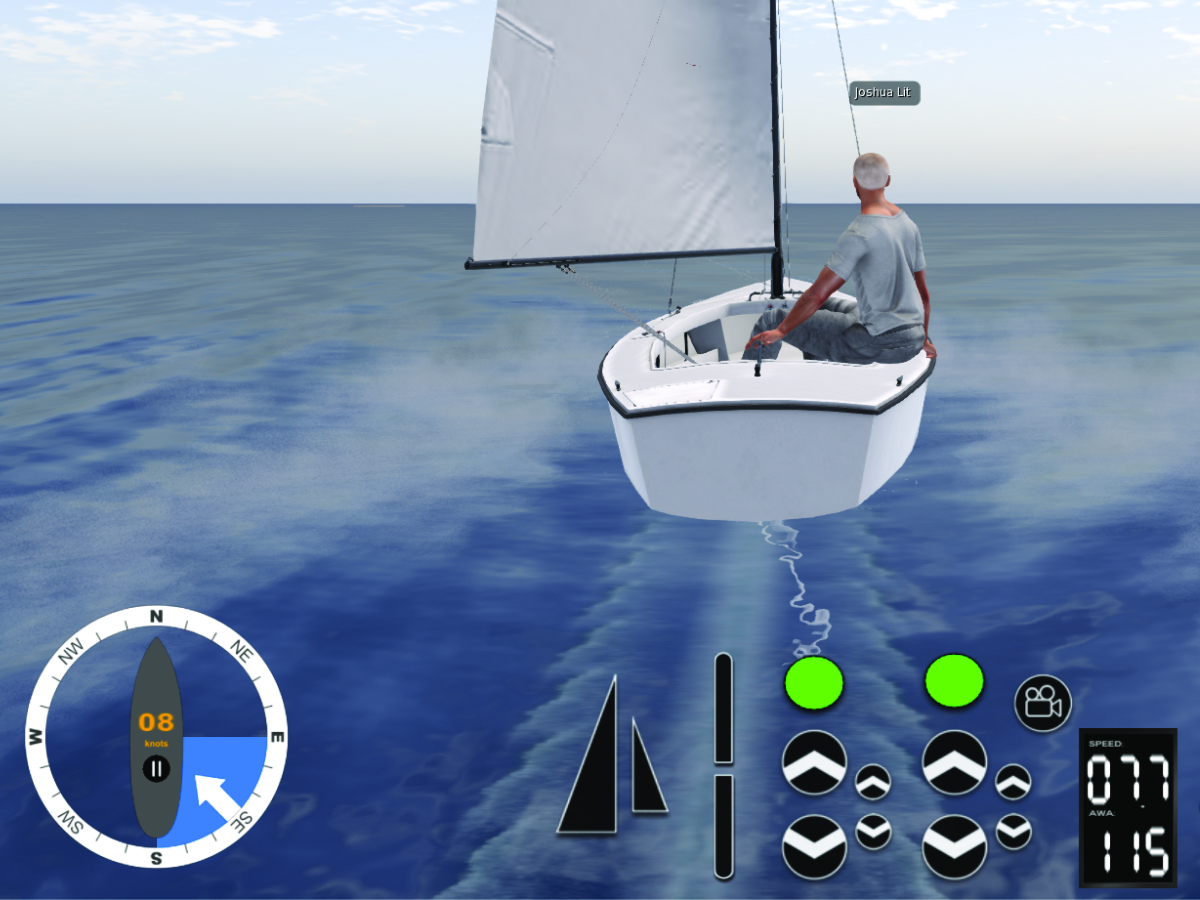
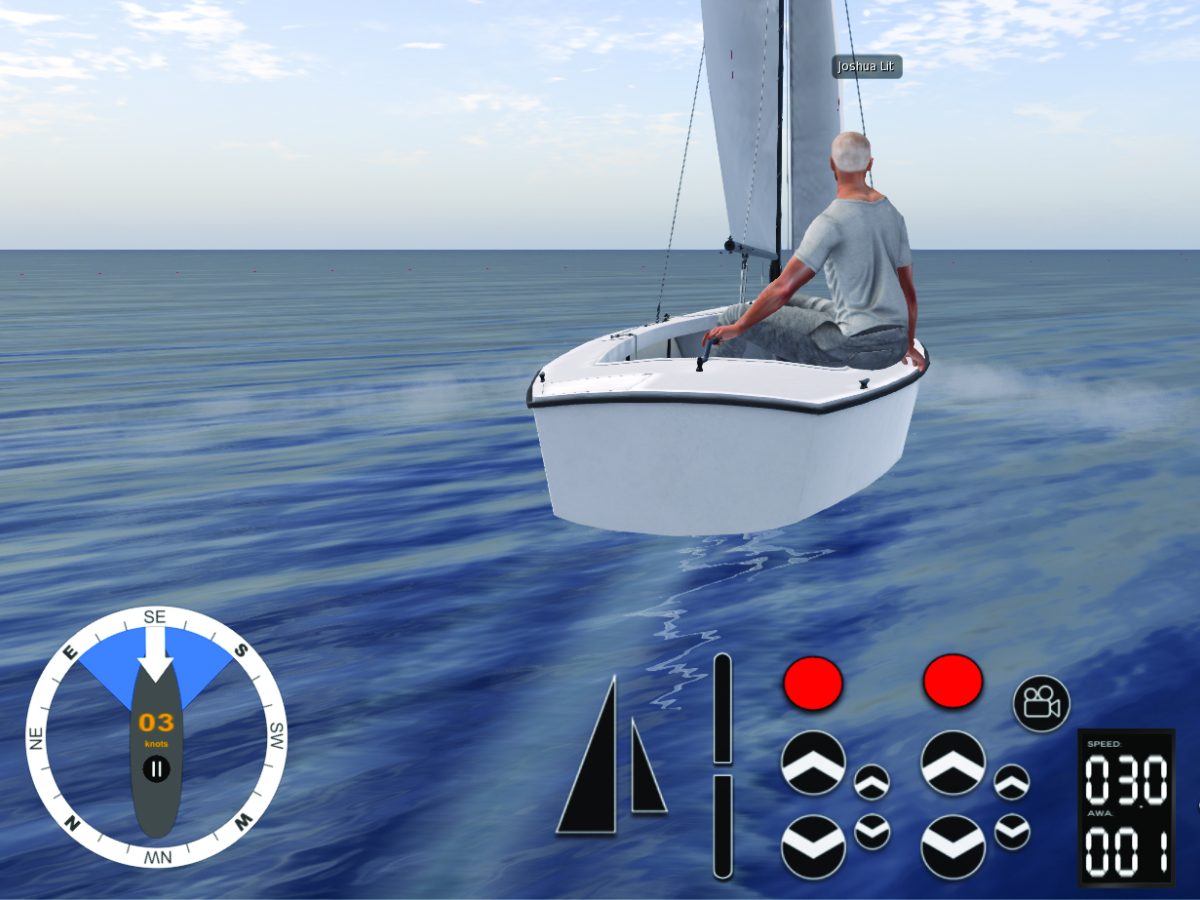
Same wind. Different heading. The HUD shows you which is which.
No setup, no scripts, nothing to add to your boat. WindSock reads the boat's heading and speed directly and sends the wind commands itself. Wear it, sit, and sail.
Holding the down arrow or S won't slow a sailing boat - it's the wind, not the engine, that drives you.
Comfortable with the basics? Here's how to get more out of the HUD:
WindSock works on TMS, BOSS and GLW (Isard) sailing yachts - the bulk of the sailing fleet in Second Life, including the full Bandit fleet, the broader Mesh Shop catalogue, and the Isard range. Nothing is dropped into the boat, so no-modify yachts work too.
Boats that use a different wind command format (such as the Laser One) aren't supported.
Second Life sailing has always been a craft you learn by doing - feeling the wind on your sails, reading the heel, finding the point of sail that makes the boat run. WindSock is a teaching tool. Set the wind to come from any cardinal, then sail every angle to it.
Sailing instructors can use it to set scenarios: "Today the wind is from the south-west. Sail us a beam reach." Learners can use it to drill points of sail until they're second nature. Experienced sailors can use it to learn a new boat - every yacht has its own sweet spots, and the only way to find them is to try every angle in every wind.
The wind WindSock sends is real to the boat. Sails fill, flap, or luff exactly as they would in any other wind. Only the source of that wind is in your control - which is the difference between sailing and being sailed.
WindSock and WindLock are siblings. Both set the wind on your boat; they differ in what stays fixed when you turn.
WindLock keeps the wind locked relative to your bow - set the angle once, sail any heading, sails stay full. Good for cruising big yachts, exploring, and single-handing two-handed boats.
WindSock keeps the wind fixed in world coordinates - you set the cardinal, the wind stays at that cardinal, and the relative angle to your bow changes as you turn. Good for learning, teaching, and sailing the way the purists prefer.